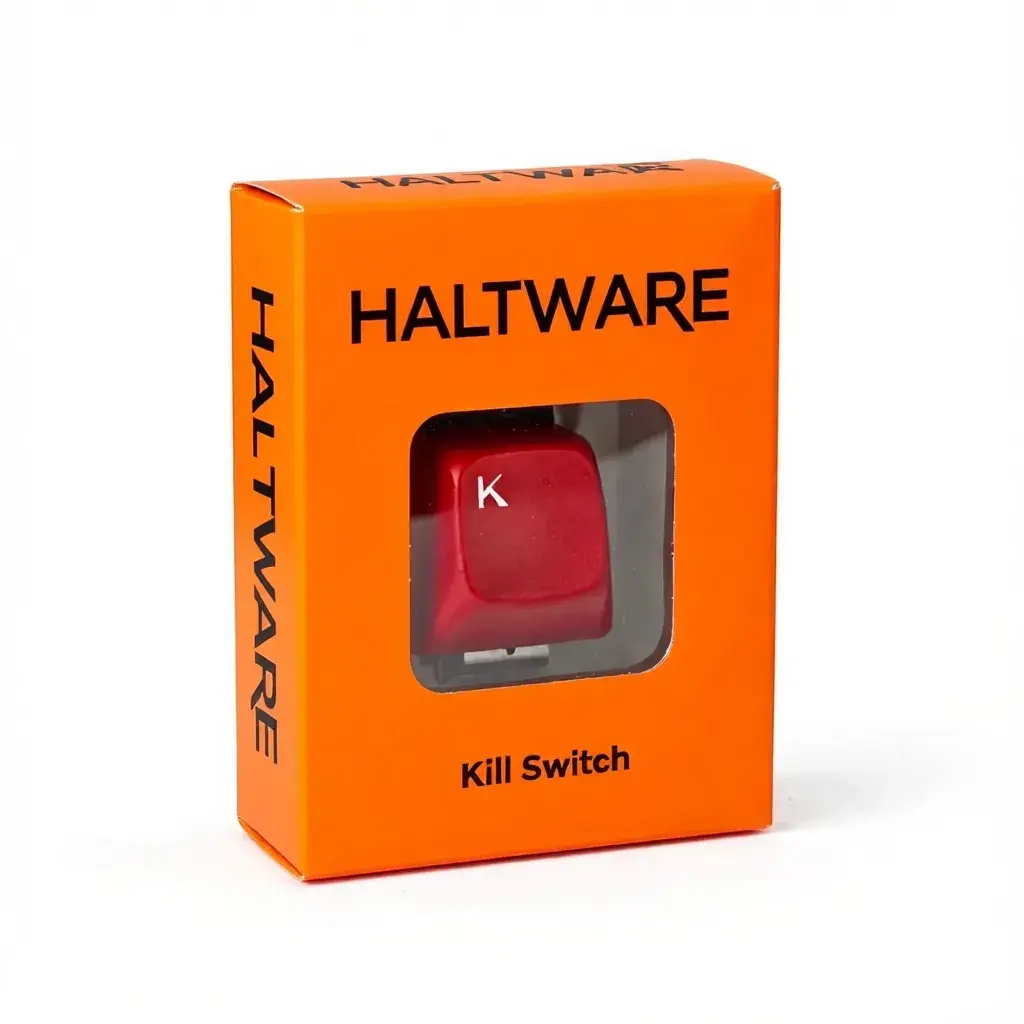
Vibrant Orange
Instantly terminate runaway processes with a hardware button. Beautiful terminal interface. Animated kill notifications. Process browser.
Join Waiting List — 50% OffJoin the waiting list and save $24.50 — only $24.50 instead of $49
HALTWARE is currently in active R&D. The final product may differ from images shown as we continue to refine the design, hardware, and features. By joining the waiting list, you're getting early access to cutting-edge hardware at half price.
Pay $24.50 instead of $49
First to receive units
Behind-the-scenes R&D progress
Available in 5 striking colors
Vibrant Orange
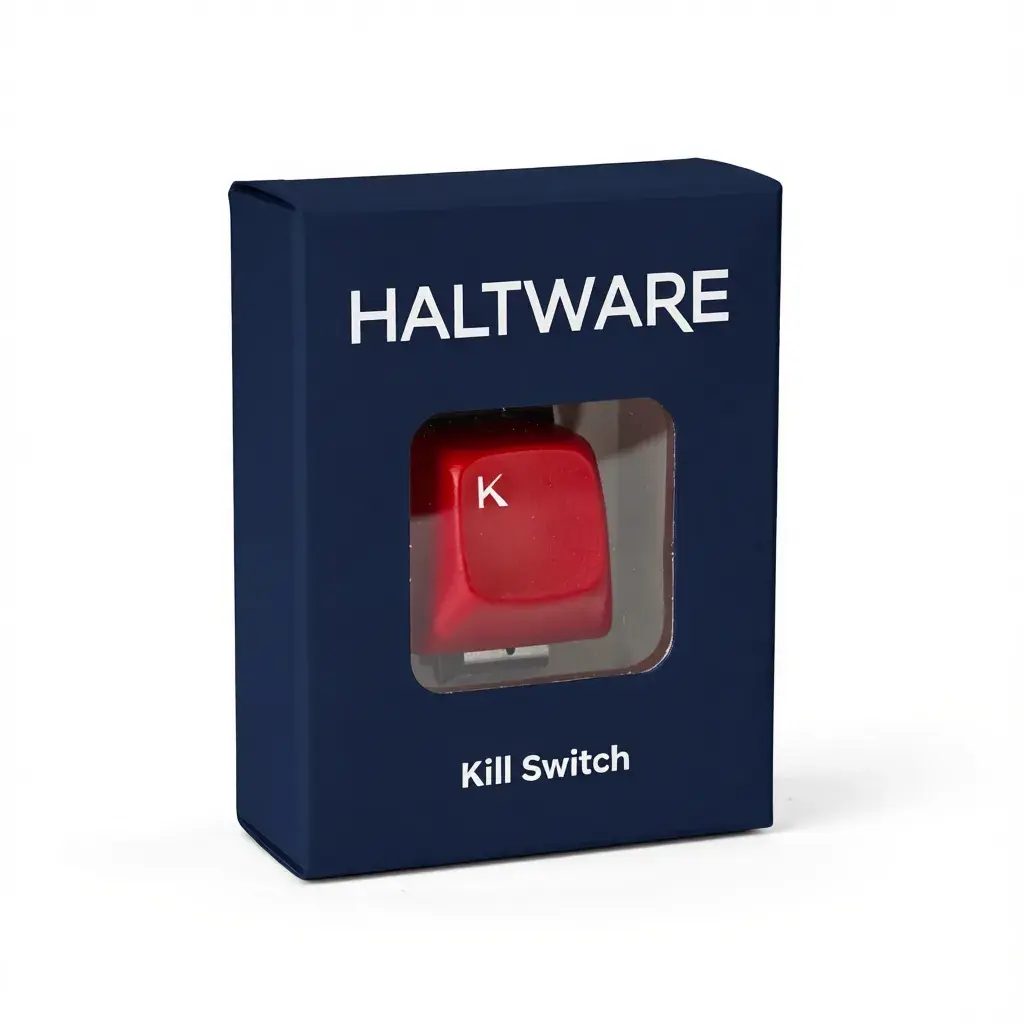
Navy Blue
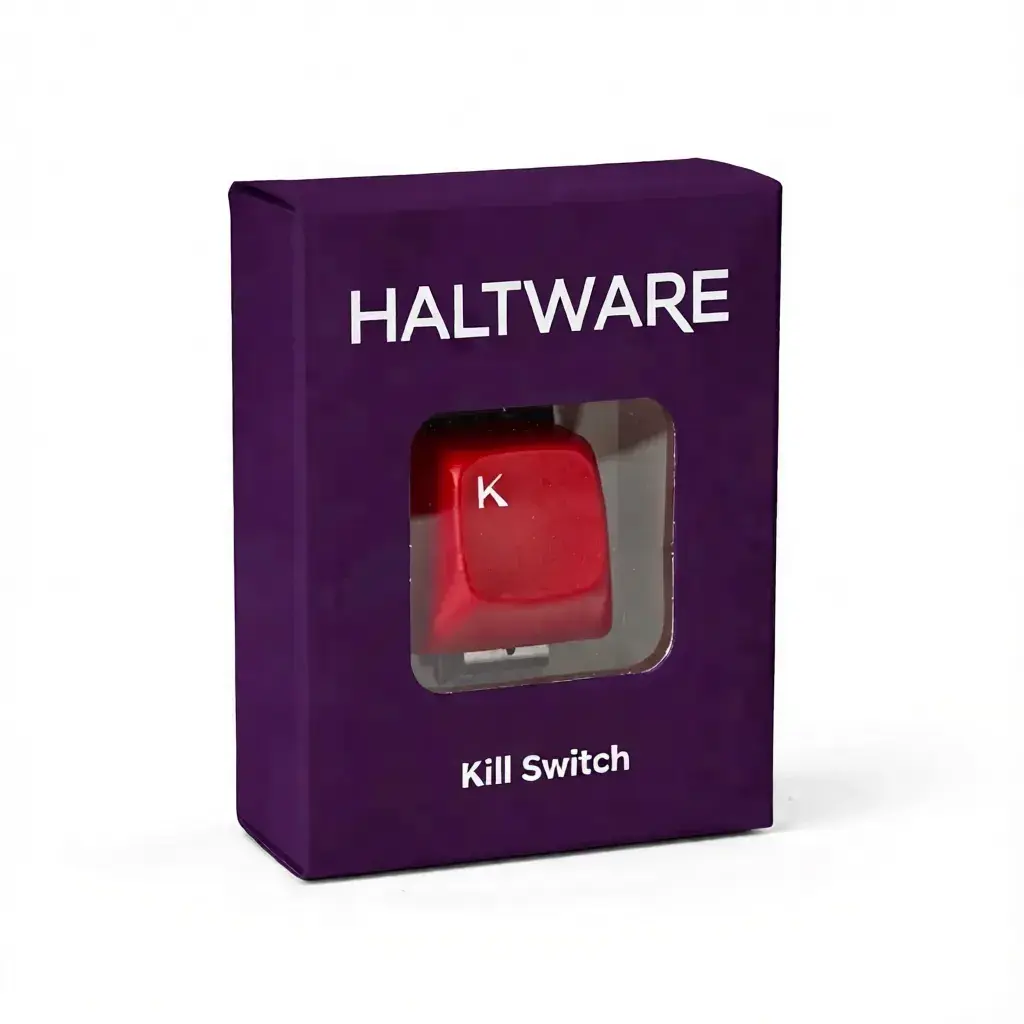
Deep Purple
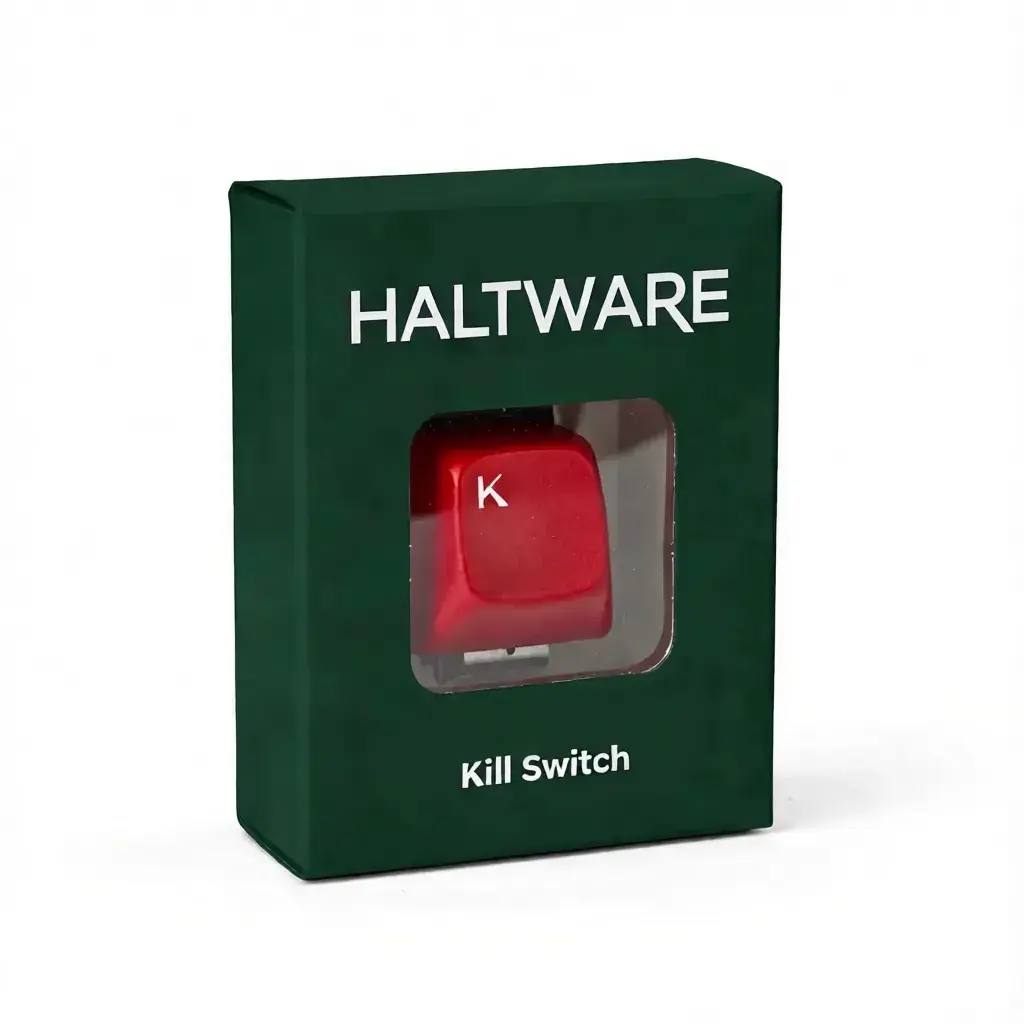
Forest Green
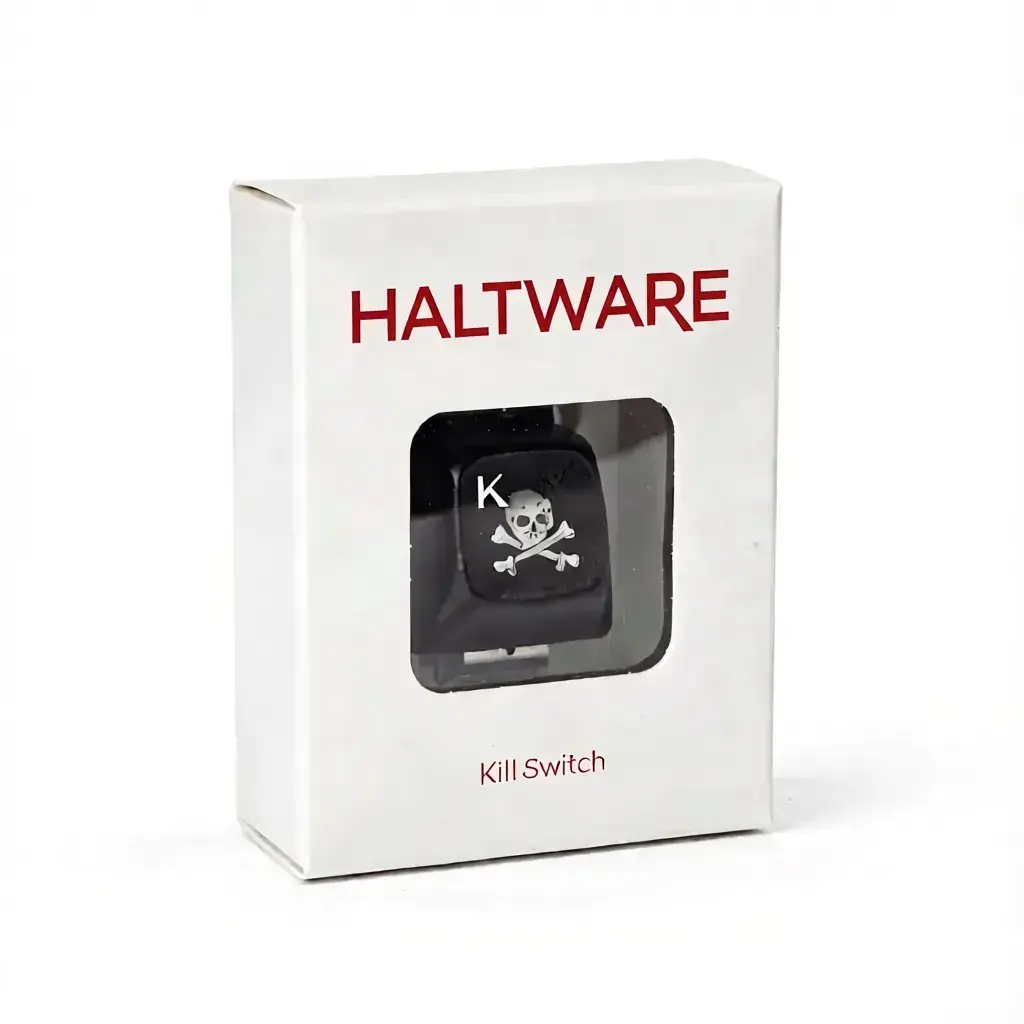
Classic White
* All colors include the same premium hardware and software
AI-generated concept video for illustration purposes only
When your process hangs, your system freezes, or your script goes rogue — reach for the button.
Physical button sends kill signal directly to your target process. No software delays.
Ratatui-powered terminal interface with ASCII art logo, color-coded status, and real-time logs.
Press Tab to browse all running processes. Live search, arrow-key navigation, instant attach.
When you kill a process, get a satisfying full-screen animation with animated skull and pulsing banner.
Press '!' to enable nuclear mode — kills the entire process tree, not just one PID.
ESP32-based hardware. Works on Linux, macOS, and Windows. Driver-free on Linux/macOS. Windows requires CP2102 driver.
Built in Rust with ratatui. Fast, responsive, and beautiful.
 _  _ ___ _    _    _____      _____ _____ ___ _  _
| |/ /_ _| |  | |  / __\ \    / /_ _|_   _/ __| || |
| ' < | || |__| |__\__ \\ \/\/ / | |  | || (__| __ |
|_|\_\___|____|____|___/ \_/\_/ |___| |_| \___|_||_|

● /dev/ttyUSB0   ☠ 3

┌─ process ─────────────────────────┐┌─ event log ─────────────────────┐
│  TARGET                           ││ 08:42:15 [ARMED] Device ready   │
│  ● python3  (PID 12847)           ││ 08:42:20 [INFO ] Target set     │
│  STATUS  ALIVE                    ││ 08:42:31 [KILL ] SHORT → PID    │
│  KILLS   3                        ││ 08:42:31 [ARMED] Monitoring...  │
└───────────────────────────────────┘└─────────────────────────────────┘

Tab  browse   !  nuclear   t  target   q  quit
Real-time monitoring of your target. Color-coded indicators (green=alive, red=dead, yellow=not found).
Every action logged with timestamps. Track kills, warnings, errors, and device status.
Tab for process browser, 't' or '/' to set target, '!' for nuclear mode, 'q' to quit.
Click processes to "kill" them. Feel the power.
Let's be honest about what you're getting.
Because overkill is the best kind of kill.
Why 3 frames? Perfect balance. 2 frames: too jerky. 4 frames: too smooth. 3 frames: just right.
Green, red, yellow — like a tiny traffic light for death. Because visual feedback matters.
For process forensics. When you need to know exactly when that rogue process died.
Because watching processes die should be smooth. Lag is for losers.
We've all been here.
Three simple steps from unboxing to instant process control.
Connect the HALTWARE device to any USB port. Device auto-detected.
Run the killswitch binary. Press Tab to browse processes, or type to search.
./killswitchShort press = SIGKILL. Watch the animated skull and "KILLSWITCH ENGAGED" banner.
Real-world scenarios with popular development tools.
Works with Claude Code, Copilot, Cursor, and any AI agent.
Python, Node.js, Ruby — any scripting language.
Pipe any process directly into killswitch for instant control.
Perfect for build processes with child workers.
Built with Rust + ESP32. Open source hardware and software.
One device, unlimited control. No subscription. No cloud.
One-time purchase
(The cost of one therapy session after a frozen build)
(Less than your monthly coffee habit)
(Worth it.)
Secure checkout powered by Stripe. R&D phase — units ship in order received.
Because you needed data to justify your impulse purchase.
| Feature | Speed | Effectiveness | Dignity |
|---|---|---|---|
| kill -9 | Fast | Brutal | Caveman |
| Task Manager | 6 clicks | 50/50 | Panic mode |
| HALTWARE | Instant | Permanent | Respectful |
The questions you're thinking. The answers you need.
A: Absolutely. That's the point.
A: Sure. And you can also start a fire with sticks.
A: No. But your desk will be cooler.
A: It won't. We tested it 10,000 times. We got bored before it broke.
A: No. But you'll buy it anyway. We both know it.
A: Because we can. Your processes deserve to die in style.
From developers just like you.
"I didn't know I needed this. I was wrong."
— Every developer
"My therapist says I have control issues. My kill switch disagrees."
— Senior Engineer, Fortune 500
"I keep it next to my rubber duck. They're best friends now."
— Full Stack Dev
"Bought it as a joke gift. Recipient uses it daily. I'm jealous."
— Anonymous
"Best impulse purchase of 2026."
— Indie Hacker
"My coworkers keep stealing mine."
— Tech Lead
Ready to order or have questions? Fill out the form below.